Desktop Shrine
A Windows-tailored port of the Ember Deck’s visualiser, with extra steps.

Overview
What it is
Desktop Shrine started with some spare LED strips, an unused BlinkStick, and an old GOverlay display that had been sitting on my desk for the better part of six or seven years showing the same increasingly overworked Kou image.
Eventually I gave the pile of unused hardware enough suspicious glances and decided to combine it into something useful.
The initial idea was simple: build a Windows audio visualiser, hook into the media APIs, and display album artwork in much the same way the Ember Deck does with Plex. I added the same artwork colour extraction too, although the version I made for Desktop Shrine was vastly improved and ended up being backported into Ember Deck afterwards.
That was basically the whole plan.
Mostly.
The difficult part was deciding where the scope actually began and ended. Eventually I settled on a handful of inputs and outputs:
Inputs
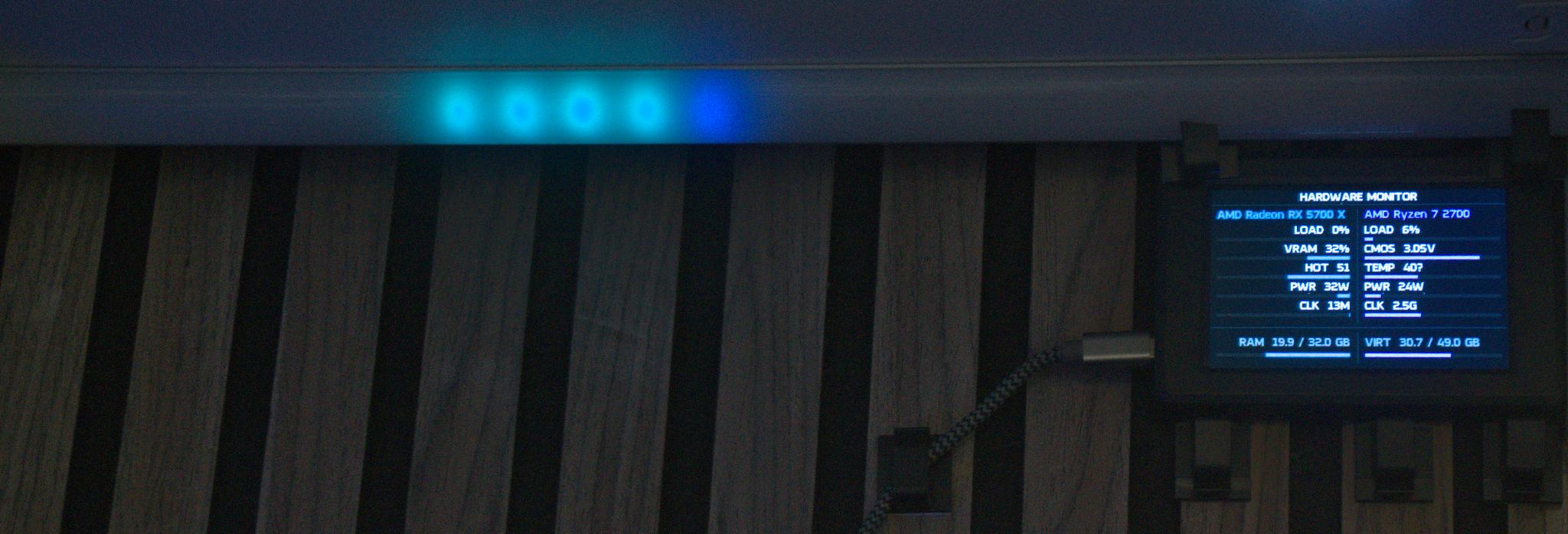
- Computer telemetry
- Now Playing status
- Audio data
- Steam game status
Outputs
- BlinkStick
- GOverlay
Internally, inputs are priority-driven per output, but I'll spare everyone the scheduling theory.
The scope expanded when I bought a second GOverlay because a friend wanted one too. His used an IPS panel rather than the older TN panel, and it had an annoying habit of crashing when writing more than about 10 pixels worth of image data.
The solution was, naturally, to stop drawing complete frames.
I took some inspiration from those Forza painting tools that recreate images by repeatedly placing shapes. Instead of writing the finished image directly, Desktop Shrine progressively rebuilds it using squares over several passes. It is technically less accurate, but considerably more interesting to watch and, importantly, far more reliable.
The next bit of scope creep came from getting tired of editing configuration files every time I wanted to change something.
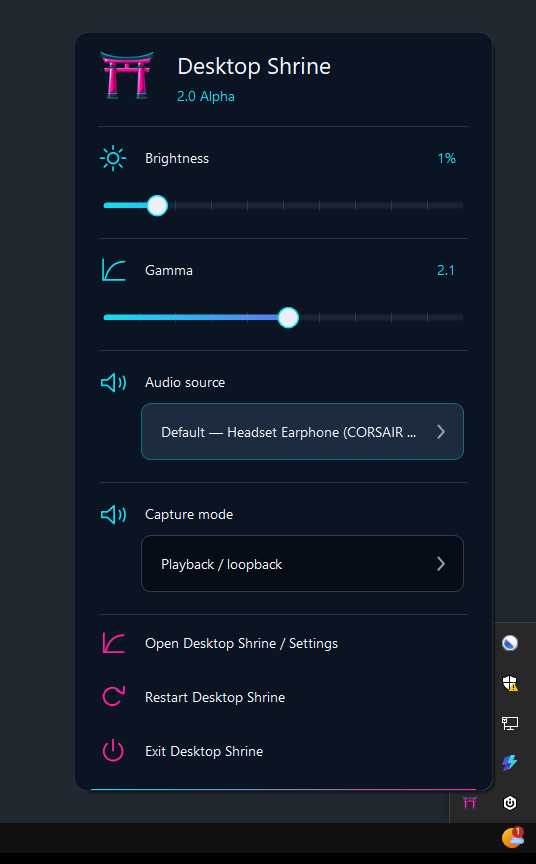
That produced a small taskbar icon with a few quick settings.
Which grew more settings.
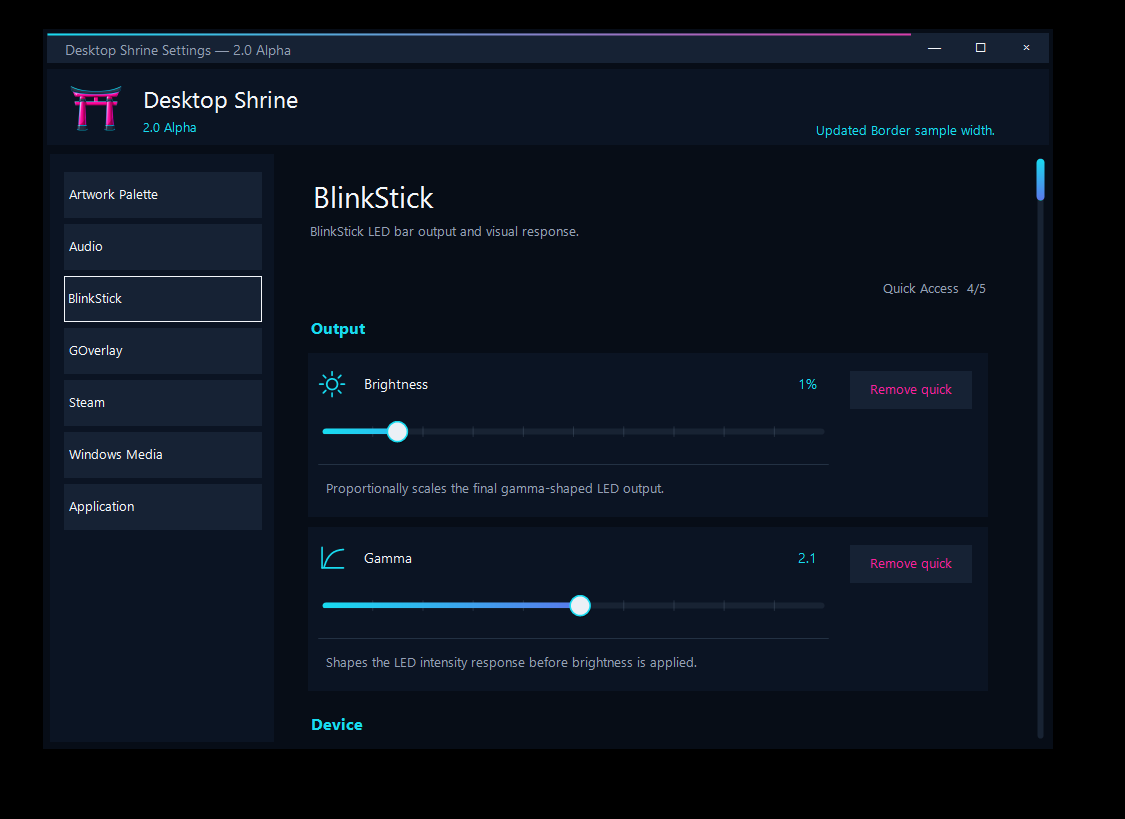
Which eventually grew into a complete configuration UI.
And that is roughly where the project is now: not finished, but definitely containing considerably more work than the original pile of spare hardware suggested it would.
There may also eventually be another branch of the project. A friend has already promised to fund an ESP32 version of the LED visualiser with a line-level audio input so he can use it directly with his Hi-Fi system.
For now he is running Desktop Shrine on his laptop and feeding it audio through the microphone input.
Apparently that simply worked despite me never testing that use case.
Sometimes software behaves purely in spite of the times it doesn't work.
Capabilities
Key features
- 01
Real-time audio-reactive RGBW visualisation
- 02
Live album and game artwork display
- 03
Modular input and output pipeline
- 04
Configurable gamma, brightness and electrical limiting
- 05
Windows audio-device selection and live switching
- 06
Hardware telemetry and activity-aware integrations
- 07
Quick-access tray controls
- 08
Full configuration interface